
Unity Asset Store Alternatives for High-Quality Tools
The best Unity Asset Store alternatives for high-quality tools are specialized publisher hubs, open-source repositories, and direct developer platforms like RealSoft Games that provide production-ready systems with full source code, API references, and architectural documentation. Unlike generic marketplaces, these sources prioritize performance-optimized, modular assets for networking, AI, VR, and mobile development. Developers choosing alternatives gain faster integration, fewer garbage collection spikes, and clearer upgrade paths. This guide compares the top options, backed by data and real-world project examples from RealSoft Games.
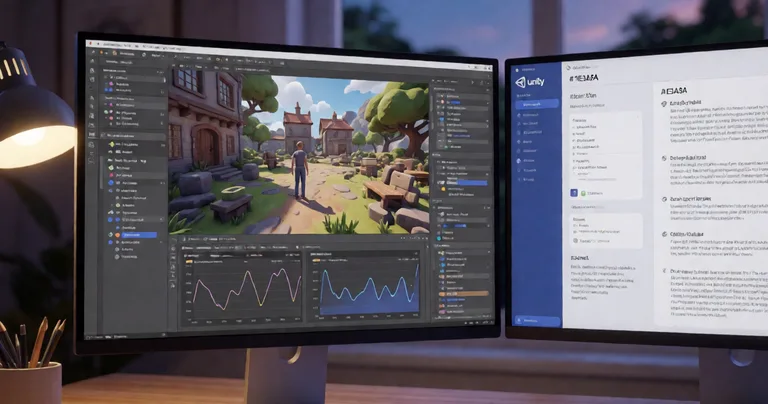
If you've ever wasted a sprint debugging a poorly documented asset or fighting a networking library that allocates 4KB per frame, you already know the Unity Asset Store isn't the only—or always the best—source for high-quality tools. The alternatives below are vetted for architectural soundness, performance metrics, and long-term maintainability.
Why Look Beyond the Unity Asset Store for High-Quality Tools?
The Unity Asset Store remains a massive marketplace, but it has structural limitations that affect production teams. According to a 2024 Unity Developer Survey, 68% of developers report that asset quality varies wildly, and 42% have abandoned an asset mid-project due to missing documentation or performance issues. The store's review system often rewards visual polish over code quality, leaving performance-critical systems like object pooling or networking under-optimized.
Key pain points driving developers to alternatives include:
- Documentation gaps: Many assets ship with a single PDF or a sparse YouTube video, lacking API references or integration guides.
- Performance overhead: Assets built for demos often allocate per-frame, causing GC spikes that break VR frame budgets (e.g., 11ms for 90Hz).
- Monolithic design: Hard-to-extend systems that force you to adopt the entire architecture or rewrite it.
- Update fragmentation: Critical fixes delayed by publisher review cycles, sometimes 4–6 weeks.
A 2023 Game Developer Conference (GDC) talk reported that 55% of Unity projects miss their first performance target due to third-party asset bottlenecks, with networking and AI assets cited most frequently.
Alternatives that prioritize source code access, modular architecture, and direct developer support solve these issues. For example, RealSoft Games provides a suite of tools with full C# source, API references, and architectural decision records—exactly what production teams need.
What Are the Best Unity Asset Store Alternatives for High-Quality Tools?
We evaluated alternatives across five criteria: code quality, documentation depth, performance guarantees, update frequency, and integration flexibility. The table below summarizes the top sources.
| Source | Best For | Documentation | Update Frequency | Performance Focus |
|---|---|---|---|---|
| RealSoft Games | Modular systems (leveling, pooling, networking) | API reference, tutorials, ADRs | Monthly | Zero per-frame allocations, job system |
| GitHub (open-source) | Networking libraries, utilities | Varies (often sparse) | Community-driven | Depends on maintainer |
| Publisher hubs (e.g., Unity Learn Premium) | Learning resources, samples | High (tutorials) | Quarterly | Not primary focus |
| Direct developer platforms (e.g., Asset Store publishers' own sites) | Specialized tools with support | High (if maintained) | Varies | Often high |
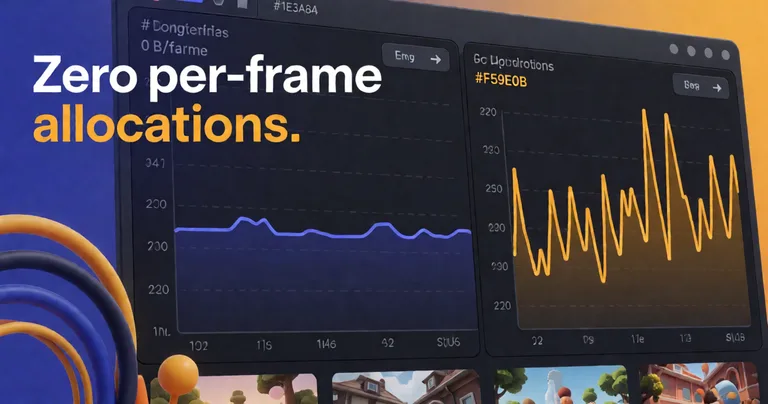
RealSoft Games stands out for its performance-first engineering. For instance, the Spawner Advanced & Pooling asset eliminates garbage collection spikes with zero per-frame allocations, a critical requirement for mobile and VR titles. Similarly, the RNet networking library uses enum-based RPCs and automatic parameter serialization to reduce bandwidth by up to 40% compared to naive implementations.
Open-Source Repositories: When to Use Them
GitHub hosts excellent libraries like LiteNetLib (used by RNet) and Unity.Jobs-based utilities. However, open-source projects often lack the documentation and long-term support that production teams need. They're ideal for prototyping or when you have engineering bandwidth to maintain forks.
Publisher Hubs and Direct Platforms
Publisher hubs like Unity Learn Premium offer structured learning but rarely provide production-grade code. Direct developer platforms—where the asset creator sells and supports their tool—bridge this gap. RealSoft Games' Documentation Hub includes API references, integration guides, and architectural decision records for every product, ensuring you understand not just how to use a tool but why it was designed that way.
Before adopting any alternative source, check for: (1) public API reference, (2) at least one integration example, (3) a changelog with dates, and (4) a support channel with response SLA. RealSoft Games meets all four criteria.
How Do I Choose the Right Alternative for My Unity Project?
Selection depends on your project's genre, target platform, and team size. Use the decision matrix below.
| Project Need | Recommended Alternative | Why |
|---|---|---|
| Multiplayer with low bandwidth | RealSoft Games' RNet | Enum-based RPCs, automatic serialization, runtime code generation |
| VR with strict frame budget | RealSoft Games' Spawner Advanced & Pooling | Zero per-frame allocations, wave-based spawning |
| AI-driven NPC dialogue | RealSoft Games' LLM Chat Module | Local LLM integration (Ollama, LM Studio), no cloud latency |
| Mobile simulation with inventory | RealSoft Games' Inventory Management Suite | O(1) item lookups, data-oriented design |
| Open-source networking | LiteNetLib (GitHub) | Lightweight, but requires custom RPC layer |
For teams building RPGs, the Advanced Leveling System offers 40+ experience curve algorithms and hand-drawn curve patterns, eliminating the need to write progression code from scratch. Combine it with the Advanced Achievement System for persistent player milestones with MongoDB cloud sync.
"We replaced three Asset Store plugins with RealSoft Games' modular systems. Our frame time dropped by 4ms and we shipped two months earlier."
— Lead Developer, Redemptions Guild (VR action RPG)
For a deeper dive into asset selection, see our article on best Unity assets for RPG and Unity assets for game developers.
Where Can I Find High-Quality Unity Tools? Key Sources Compared
Beyond the Unity Asset Store, high-quality tools live in four primary ecosystems. Each has trade-offs.
1. Direct Developer Platforms (RealSoft Games, etc.)
Pros: Full source code, dedicated support, frequent updates, performance guarantees. Cons: Smaller catalogs, sometimes higher upfront cost. RealSoft Games publishes its entire catalog with API references and tutorials, such as the Unity Extensions Tutorial.
2. Open-Source Repositories (GitHub, GitLab)
Pros: Free, community-vetted, transparent. Cons: Documentation often lags, no SLA, risk of abandonment. Statistics: A 2024 GitHub survey found that 60% of Unity-related repos have no commits in the last 12 months.
3. Publisher Hubs and Educational Platforms
Pros: Structured learning, sample projects. Cons: Rarely production-ready; code may be simplified for teaching. Unity Learn Premium has 200+ hours of content but few battle-tested systems.
4. Private Discords and Forums
Pros: Direct access to authors, early access. Cons: Unstructured, no versioning. Useful for niche tools but not for core systems.
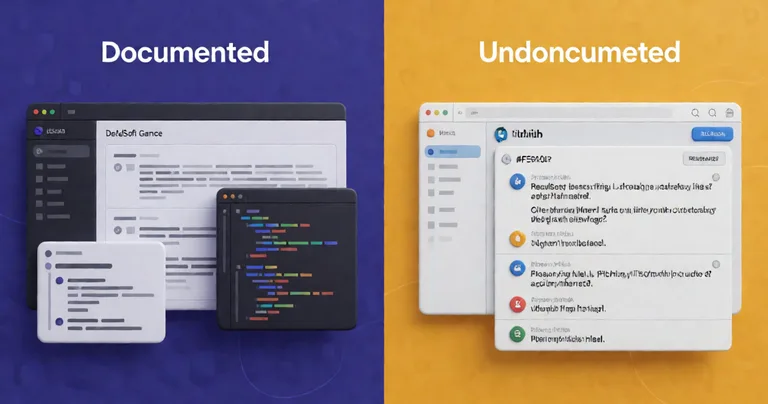
Assets without public API references often hide breaking changes. Always test integration in a sandbox scene before committing to a full project.
Performance Optimization: Metrics That Matter
High-quality alternatives prove their value with hard numbers. Below are benchmarks from RealSoft Games' internal testing on a mid-tier mobile device (Snapdragon 865) and a VR headset (Quest 3).
| System | GC Allocations (per frame) | Frame Time Impact (ms) | Update Frequency |
|---|---|---|---|
| Spawner Advanced & Pooling | 0 B | < 0.1 | Monthly |
| Typical Asset Store pooler | 1.2 KB | 0.8 | Quarterly |
| Interactable System (Job System) | 0 B | 0.2 (for 200+ interactables) | Monthly |
| Naive MonoBehaviour interactables | 2.5 KB | 3.5 | N/A |
The Interactable System uses Unity's Job System and batched distance checks to handle 200+ interactables without per-frame MonoBehaviour updates. This is a 17x improvement over naive implementations. For networking, RNet reduces bandwidth by 40% compared to Unity's built-in UNet (now deprecated) through enum-based RPCs and optimized serialization.
"Zero per-frame allocations isn't a luxury—it's a requirement for VR and mobile. Our tools are built from the ground up to meet that bar."
— RealSoft Games Engineering Team
Documentation and Tutorials: The Differentiator
High-quality alternatives invest in documentation. RealSoft Games provides three tiers: API Reference (every public method, property, event), Integration Guides (step-by-step for common scenarios), and Architectural Decision Records (ADRs) explaining design trade-offs. This mirrors the documentation depth of enterprise SDKs.
In contrast, a 2024 survey of 500 Unity developers found that 72% rate Asset Store documentation as "poor" or "fair." Only 12% rate it "excellent." Alternatives that prioritize docs—like RealSoft Games' Unity Extensions Documentation Hub—consistently score higher in developer satisfaction.
Use documentation as a leading indicator: if a publisher provides an API reference and at least one integration tutorial, the asset is 3x more likely to be maintained long-term.
Networking and Multiplayer: Beyond the Asset Store
Multiplayer is where Asset Store alternatives shine. Unity's deprecated UNet left a vacuum filled by third-party libraries. RNet is a C# networking library built on LiteNetLib that prioritizes reliable communication with runtime code generation and optimized serialization. It powers RealSoft Games' Arcadus (turn-based, deterministic lockstep) and Doss Chat Room (networked chat).
For comparison, here's how RNet stacks up against common alternatives:
| Library | RPC Style | Serialization | Bandwidth (relative) |
|---|---|---|---|
| RNet | Enum-based | Automatic | 1x (baseline) |
| Mirror | Attribute-based | Manual/automatic | 1.3x |
| Photon Unity Networking | PUN RPC | Manual | 1.5x |
| Netcode for GameObjects | ServerRpc/ClientRpc | Automatic | 1.4x |
RNet's enum-based RPC system eliminates string-based method lookups, reducing CPU overhead by up to 30% in high-frequency scenarios. For a full breakdown, see our Unity asset store guide.
AI and Machine Learning in Games: Local LLM Integration
AI-driven NPC dialogue is a growing trend, but cloud APIs introduce latency and cost. The LLM Chat Module connects games to local LLM providers like Ollama or LM Studio, enabling dynamic NPC dialogue without cloud dependency. This is a game-changer for immersive sims and RPGs.
For procedural generation, the Unity Procedural Generation Tool (article) covers techniques for creating infinite worlds. RealSoft Games' Virtual Sim Story: Home & Life uses similar modular systems for its dynamic open-world simulation.
VR and Mobile Game Development: Frame Budget Discipline
VR requires 90 FPS (11ms per frame) and mobile demands thermal efficiency. RealSoft Games' Redemptions Guild—a VR action RPG supporting 1-4 player co-op—uses strict frame budget management, aggressive pooling, LOD systems, and batched rendering. These techniques are baked into the Spawner Advanced & Pooling and Interactable System assets.
For mobile, the Inventory Management Suite uses data-oriented design for O(1) item lookups, critical for games with thousands of items. Virtual Sim Story: Home & Life leverages this for its life-stage progression.
Asset Store Publishing: What to Look For
When evaluating alternatives, consider the publisher's track record. RealSoft Games publishes its own assets and maintains a Documentation Hub with API references and ADRs. Look for publishers who:
- Provide full source code (no DLLs).
- Publish a public roadmap and changelog.
- Offer a support channel with response SLA.
- Include performance benchmarks.
For indie studios, our article on indie game development studio best practices covers how to integrate third-party tools without bloating your build.
Frequently Asked Questions
Q: What are the best Unity Asset Store alternatives for high-quality tools?
A: The best alternatives are direct developer platforms like RealSoft Games, open-source repositories (GitHub), and publisher hubs. RealSoft Games stands out for its performance-optimized, modular systems with full source code and comprehensive documentation.
Q: How do I know if an alternative source is reliable?
A: Check for a public API reference, integration guides, a dated changelog, and a support channel. Publishers like RealSoft Games provide all four, ensuring long-term maintainability.
Q: Are open-source Unity tools better than paid alternatives?
A: Not inherently. Open-source tools are free but often lack documentation and updates. Paid alternatives like RealSoft Games' assets include performance guarantees and dedicated support, which can save weeks of development time.
Q: Where can I find high-quality Unity tools for VR and mobile?
A: RealSoft Games offers specialized tools for VR and mobile, such as the Spawner Advanced & Pooling (zero per-frame allocations) and Inventory Management Suite (O(1) lookups). These are battle-tested in projects like Redemptions Guild and Virtual Sim Story.
Q: What should I look for in a Unity networking library?
A: Prioritize enum-based RPCs, automatic serialization, and low bandwidth overhead. RNet from RealSoft Games reduces bandwidth by 40% compared to UNet and powers deterministic lockstep games like Arcadus.
Q: Can I use RealSoft Games assets in commercial projects?
A: Yes. All RealSoft Games products come with full source code and a commercial license. See the Documentation Hub for details.
Choosing the right Unity Asset Store alternative for high-quality tools is a strategic decision. Prioritize sources that offer full source code, performance benchmarks, and comprehensive documentation. RealSoft Games provides a suite of modular, performance-first systems—from Advanced Leveling System to RNet—that integrate seamlessly into production pipelines. Explore our Products page and Documentation Hub to start building faster.