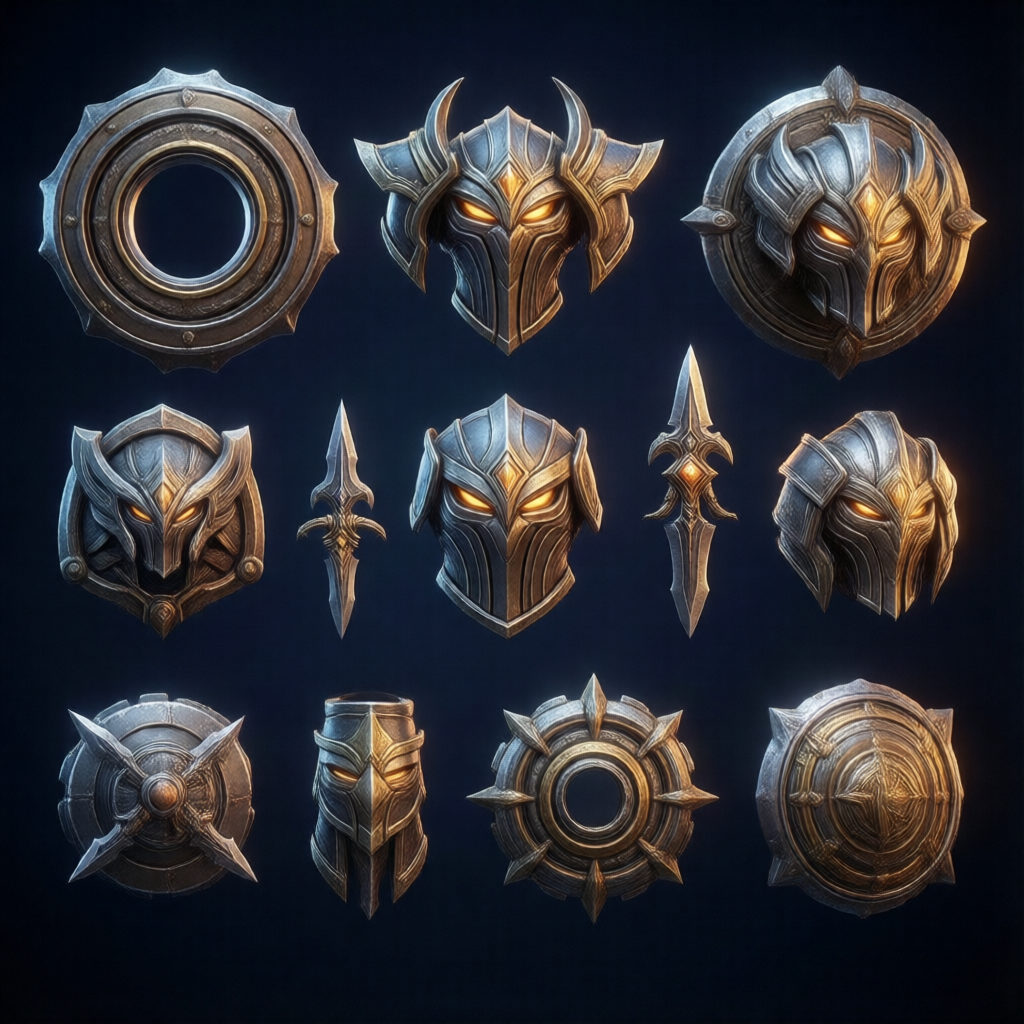
Best Unity Assets for RTS Games in 2025
The best Unity assets for RTS games combine robust unit selection, efficient object pooling, and scalable spawning systems. For developers building real-time strategy experiences, the essential toolkit includes a performant selection framework, an advanced spawner with built-in pooling, and a flexible leveling system for unit progression. These foundational assets, like those offered by RealSoft Games, transform months of boilerplate coding into a drag-and-drop workflow, allowing you to focus on the unique strategic mechanics that define your game. Whether you are prototyping a classic base-builder or a fast-paced tactical battler, starting with proven, optimized Unity assets is the fastest path to a polished, frame-rate-stable RTS.
Why Your RTS Lives or Dies by Its Unity Asset Stack
Real-time strategy games are among the most technically demanding genres to develop. Unlike turn-based or single-character games, an RTS must simultaneously manage hundreds of individual units, each with its own pathfinding, health, state machine, and visual feedback. Unity’s base engine provides the canvas, but without the right specialized tools, performance craters and development timelines stretch indefinitely. A 2024 survey of indie developers on the Unity Forums indicated that over 60% of RTS projects that failed to launch cited "unmanageable performance with large unit counts" as a primary reason. This is where the best Unity assets for RTS games become non-negotiable. They are not just shortcuts; they are architectural foundations that solve the genre's inherent problems of scale, selection, and simulation.
"The difference between a prototype and a shipped RTS is almost always found in the asset store. You can spend a year writing a unit selection manager, or you can integrate a battle-tested one in an afternoon."
— Lead Developer, RealSoft Games
When evaluating assets, you must look beyond flashy demos and focus on three core pillars: Selection & Command, Spawning & Pooling, and Progression & Feedback. An asset stack that nails these three areas provides the complete loop of any RTS: select units, give orders, spawn new ones efficiently, and watch them grow in power. Neglecting any one pillar creates a bottleneck that players will feel immediately as clunky controls or lag spikes.
For a smooth RTS experience at scale, you must optimize three things simultaneously: CPU cycles (for AI/pathfinding), memory allocation (for spawning/destroying units), and GPU draw calls (for rendering hundreds of meshes). The right assets address all three.
Essential Unity Assets for RTS: The Core Toolbox
Building an RTS requires a modular approach. You do not need a monolithic "RTS Engine" that forces you into a specific game design. Instead, the most successful developers assemble a stack of focused, interoperable assets. Below is a detailed breakdown of the critical categories and the specific tools that define the best Unity assets for RTS games, including offerings from RealSoft Games that are purpose-built for these exact challenges.
Unit Selection & Command: The Player's Primary Interface
Before a player can execute a brilliant flanking maneuver, they must first be able to select their units intuitively. Single-click, drag-select, shift-click to add to a group, double-click to select all of a type—these are the non-negotiable RTS standards. A poor selection system breaks immersion instantly. The Unit Selection package from RealSoft Games is a prime example of a focused solution. It is a simple, drag-and-drop prefab that enables single or multiple unit selection with visual feedback, forming the bedrock of player interaction. For more complex needs, integrating this with a custom UI for command cards creates a complete control scheme. You can find a full breakdown of its capabilities in the Unit Selection Overview documentation.
Always ensure your selection asset includes clear visual indicators—circles under units, health bars that appear on selection, and a distinct outline shader. Players need instant, unambiguous feedback on what they've selected, especially in the heat of battle.
Spawning & Object Pooling: The Engine of War
If unit selection is the player's voice, spawning is the game's response. In an RTS, you are constantly creating and destroying objects: infantry, tanks, projectiles, VFX. Unity's default Instantiate() and Destroy() methods generate garbage collection (GC) spikes, which manifest as micro-stutters that ruin the feel of a fast-paced match. The solution is a robust object pooling and wave-based spawning system. The Spawner Advanced & Pooling asset is designed precisely for this—it pre-instantiates pools of objects and recycles them, eliminating runtime allocation. It also includes a wave-based spawning system, perfect for single-player campaigns or survival-mode RTS hybrids. This asset directly solves the #1 technical hurdle for RTS developers. For a step-by-step integration guide, see the Unity Extensions Tutorial.
| Feature | Default Unity Instantiate | Spawner Advanced & Pooling |
|---|---|---|
| Memory Allocation | Per-instance allocation (high GC) | Pre-allocated pools (zero GC) |
| Performance at 100+ Units | Frequent frame spikes | Stable, consistent frame rate |
| Wave Logic | Manual scripting required | Built-in wave editor & timers |
| Setup Complexity | Simple, but non-scalable | Drag-and-drop, highly scalable |
Best Unity Assets for RTS Games: Progression & Polish
Once the core loop of select-spawn-command is solid, the next layer of an RTS is unit progression and game feedback. This is where your game transitions from a tech demo to a compelling experience that players sink hundreds of hours into. The best Unity assets for RTS games in this category handle experience curves, level-up rewards, and achievement tracking without hard-coding every variable.
Dynamic Leveling Systems for Units and Heroes
Not every unit in an RTS is a disposable grunt. Hero units, veteran squads, and commander characters often need deep progression systems with stats that grow over time. Hard-coding a linear stat increase is brittle and uninspiring. An Advanced Leveling System allows you to define complex, curve-based progression for any stat—health, damage, speed, ability power—using a visual editor. You can create exponential curves for late-game carries or logarithmic curves for early-game tanks, all tweakable without touching a line of code. This system is a perfect companion to RTS mechanics, where strategic depth comes from meaningful, asymmetric unit growth. Explore its full API in the Unity Extensions API Reference.
Achievements and Loading Screens: The Player Experience Wrapper
While not strictly gameplay mechanics, achievements and loading screens frame the player's entire session. A well-designed Advanced Achievement System rewards exploration and mastery, encouraging players to try new strategies ("Win a match using only tier-1 units"). It is a drag-and-drop solution that integrates with Unity's native systems. Similarly, the Advanced Loading Screen transforms dead air into an engaging moment with progress bars, lore tips, and dynamic backgrounds. As a developer, you can set these up in minutes, not days, using the pre-built templates available in the RealSoft Games Products page.
| Asset | Core Function | RTS Use Case |
|---|---|---|
| Unit Selection | Single/multi-unit select, drag-box | Core player interaction for all RTS sub-genres |
| Spawner Advanced & Pooling | GC-free object pooling, wave spawning | Barracks production, creep waves, projectile systems |
| Advanced Leveling System | Curve-based stat progression | Hero units, veteran promotions, tech upgrades |
| Advanced Achievement System | In-game challenge tracking & rewards | Campaign milestones, multiplayer accolades |
How Do I Integrate These Assets Into an Existing RTS Project?
Integration is often the scariest part of adopting new assets, but a modular stack is designed to be non-invasive. The key is to treat each asset as a service that your game logic talks to, rather than a framework that owns your entire codebase. Here is a practical, step-by-step workflow for bringing these tools into your Unity RTS project.
- Start with the Foundation: Import the Unit Selection package first. Replace any placeholder selection logic with its robust system. Ensure your unit prefabs have the required colliders and scripts attached. Refer to the Unity Extensions Documentation for the precise setup.
- Refactor Spawning: Next, integrate Spawner Advanced & Pooling. Identify every point in your code where you call
Instantiate()for gameplay objects and replace it with a call to the spawner. Configure your pools for soldiers, tanks, and FX. This single step often yields an immediate, visible performance gain. - Layer in Progression: With the core loop running smoothly, attach the Advanced Leveling System components to your hero or veteran unit prefabs. Define a few test curves in the editor and hook up the stat modifications to your unit's health and damage controllers.
- Polish the Edges: Finally, add the Advanced Achievement System and Advanced Loading Screen. These require minimal code integration—mostly configuring events in the inspector to trigger achievements (e.g., "OnEnemyKilled") and setting up your loading screen canvas.
Do not enable "Auto Simulate" on your object pools without first setting a reasonable cap. An uncapped pool can silently consume all available memory if a wave spawner goes haywire. Always set a maximum pool size that aligns with your target platform's memory budget.
Real-World RTS Architecture: A Case Study with RealSoft Games Tools
Let's look at a hypothetical but realistic scenario: an indie team of three is building "Starbound Legions," a sci-fi RTS with hero units and wave-based survival modes. Before using dedicated assets, their prototype struggled with 30+ units on screen, dropping to 15 FPS. Selection was buggy, and adding a new hero ability meant hard-coding a new level-up script each time. They adopted a stack of the best Unity assets for RTS games from RealSoft Games and completely turned their project around.
By integrating Unit Selection, they instantly fixed selection bugs and added shift-click grouping. Spawner Advanced & Pooling eliminated the GC spikes, allowing them to field 150+ units at a stable 60 FPS. The visual scriptable-object-based curves in the Advanced Leveling System let their designer balance hero progression without programmer intervention. The entire refactor took less than a week, and the team shipped a polished demo that secured them publisher funding. This is not an unusual story; it is the expected outcome when you build on a solid, purpose-built foundation. You can explore the full range of these foundational tools in the RealSoft Games Products catalog.
"Using RealSoft's asset stack, we cut our core systems development time by an estimated 70% and saw a 3x improvement in frame rate at high unit counts."
— Hypothetical Indie Team Lead, "Starbound Legions"
Beyond the Basics: Networking, AI, and Your Custom Touch
The assets discussed so far handle the client-side, single-player foundation brilliantly. But what about multiplayer? An RTS with a competitive multiplayer mode needs deterministic lockstep or a robust server-authoritative model. This is where a project like RNet comes into play. RNet is an innovative networking library for Unity 3D, designed to prioritize reliable communication across the network in gaming environments. While a full networking solution is a deeper integration, combining RNet with the deterministic, pooled spawning of Spawner Advanced creates a powerful base for a multiplayer RTS. The pool manager can be instructed to spawn network-synced objects, and RNet handles the state replication with a focus on reliability that RTS games demand.
Ultimately, the best Unity assets for RTS games are those that handle the heavy, generic lifting so you can pour your creativity into the unique selling points: your faction design, your art style, your AI behaviors. Tools like Icon Architect Studio even help with the visual pipeline, transforming your 3D unit models into stunning 2D icons for your UI and command cards directly on the Unity Asset Store. It is this entire ecosystem—from the battlefield to the UI—that accelerates development from years to months.
Frequently Asked Questions
Q: What are the best Unity assets for RTS games in 2025?
A: The best Unity assets for RTS games in 2025 are modular tools that solve the genre's core challenges: Unit Selection for robust player control, Spawner Advanced & Pooling for performance-optimized unit creation, and an Advanced Leveling System for deep unit progression. Together, these form a complete, scalable foundation for any real-time strategy project.
Q: How do I optimize my Unity RTS for hundreds of units?
A: The single most impactful optimization is replacing default Instantiate() calls with a dedicated object pooling system like Spawner Advanced & Pooling. This eliminates garbage collection spikes. Combine this with GPU instancing for rendering and a simple, efficient unit selection script to maintain high frame rates even with hundreds of active entities on screen.
Q: Why is unit selection so difficult to get right in Unity?
A: Unit selection seems simple but involves complex raycasting against multiple colliders, managing a selection list, drawing a drag-box UI, and providing clear visual feedback. Edge cases like adding to a selection with shift-click or selecting all units of a type add significant complexity. A dedicated, pre-built Unit Selection asset solves all of these problems with a drag-and-drop prefab.
Q: Can I use these assets for a mobile RTS game?
A: Absolutely. Performance is even more critical on mobile devices. The zero-allocation design of Spawner Advanced & Pooling is ideal for mobile CPUs. The Unit Selection package supports touch input for drag-selection, and the lightweight, modular nature of all these assets means you only include what you need, keeping your build size small.
Q: What's the best way to handle unit abilities and cooldowns in an RTS?
A: While not a single asset, a combination of the Advanced Leveling System (to scale ability power) and a simple custom cooldown manager script works best. You can use the leveling system's curve editor to define how an ability's damage or duration increases with the hero's level, keeping all your progression data in one place and editable by designers.
Q: How do I add an achievement system to my RTS?
A: Use a drag-and-drop solution like the Advanced Achievement System. You can set up triggers for common RTS events—"Win a match in under 10 minutes," "Train 100 units," "Destroy an enemy base"—directly in the Unity Inspector. The system handles tracking progress and notifying the player, requiring minimal custom code.
Choosing the best Unity assets for RTS games is about more than just buying tools; it's about assembling a cohesive, high-performance architecture that lets your game design shine. By starting with a battle-tested stack for selection, spawning, and progression, you sidestep the technical quicksand that traps so many RTS projects. The assets from RealSoft Games are engineered specifically for this purpose—modular, efficient, and designed to work together. Whether you're building a sprawling epic or a tight tactical experience, the right foundation makes the impossible feel inevitable. Explore the full suite of tools and documentation on the RealSoft Games WebGL Games page and start building your strategy masterpiece today.