Mastering VR Action RPG Game Development in 2025
VR action RPG game development combines immersive virtual reality mechanics with deep role-playing systems to create experiences where players physically inhabit a character. It involves real-time combat, interactive environments, and complex progression systems built for headsets like Meta Quest 3 and HTC Vive. Success requires mastering Unity or Unreal Engine, optimizing for high frame rates, and designing intuitive VR interfaces that make players feel truly present in the fantasy world. This guide covers the essential tools, workflows, and design principles you need to ship a polished VR action RPG.
What Is VR Action RPG Game Development?
VR action RPG game development is the process of creating role-playing games where physical movement and gesture-based inputs drive real-time combat, exploration, and narrative. Unlike traditional RPGs played with a controller, a VR action RPG demands that the player swing a sword physically, draw a bow with two hands, or throw a fireball with a gesture. This shifts the development focus to physics-based interactions, comfortable locomotion, and diegetic user interfaces—menus that exist as objects in the game world rather than flat overlays.
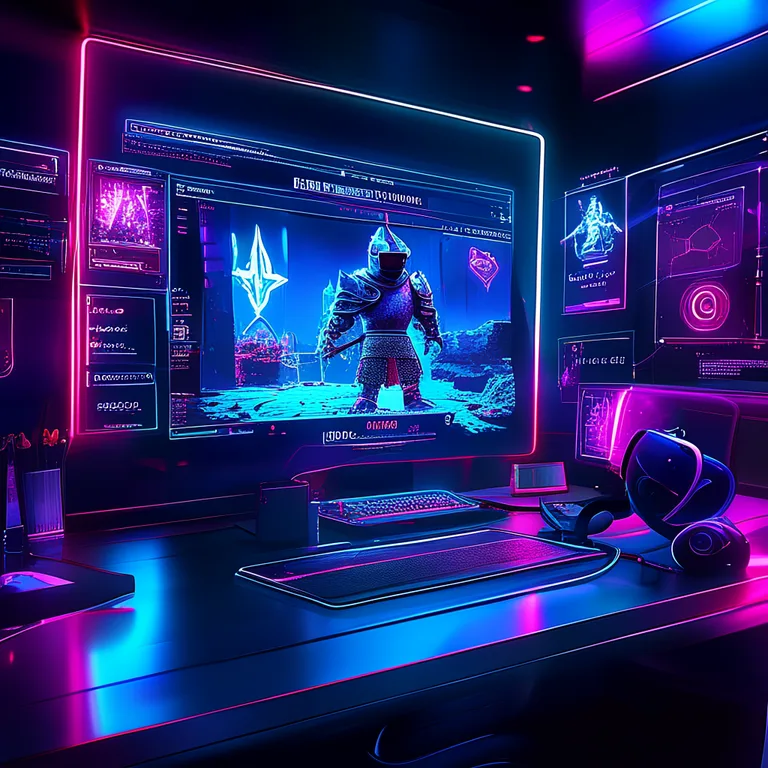
The genre has exploded since 2020. According to a 2024 report by Grand View Research, the global VR gaming market size was valued at $20.8 billion in 2023 and is projected to expand at a compound annual growth rate (CAGR) of 22.9% from 2024 to 2030. Action RPGs represent one of the fastest-growing segments because they leverage VR's core strengths: physical presence and agency.
"The best VR action RPGs don't just translate a flat game into 3D—they rebuild the experience around the player's body. That's where the magic happens."
— Lead Designer, Redemptions Guild at RealSoft Games
Core Pillars of the Genre
- Physical Combat: Melee and ranged systems driven by player motion rather than button combos.
- Embodied Progression: Skill trees that unlock new gestures, spells, or physical abilities.
- Spatial Storytelling: Environments designed for room-scale exploration with interactive lore objects.
- Comfort-Centric Locomotion: Smooth turning, teleportation, and vignette options to reduce motion sickness.
Choosing the Right Engine for VR Action RPG Game Development
The engine you select shapes every aspect of your VR action RPG game development pipeline. Two engines dominate the landscape: Unity and Unreal Engine. Both offer robust VR support, but their strengths differ significantly for action RPG workflows. Unity's XR Interaction Toolkit provides a modular, code-first approach that many indie teams prefer, while Unreal's Blueprint visual scripting and high-fidelity rendering appeal to studios targeting PC VR and PS VR2.
| Feature | Unity (with XR Toolkit) | Unreal Engine 5 |
|---|---|---|
| Graphics Fidelity | Excellent with URP/HDRP | Industry-leading with Nanite/Lumen |
| VR Template Support | Built-in XR Interaction Toolkit | VR Template with OpenXR |
| Networking for Co-op | Netcode for GameObjects, RNet RPC Quick Start | Replication Graph, Iris |
| Asset Store / Marketplace | Massive library of VR frameworks | Growing Fab marketplace |
| Learning Curve | Moderate (C# scripting) | Steep (C++ or Blueprints) |
| Best For | Indie to mid-size studios, mobile VR | High-end PC VR, AAA productions |
For many developers, Unity remains the go-to choice for VR action RPG game development because of its extensive documentation and the RealSoft Games ecosystem of tools. If you are building a multiplayer co-op RPG like Redemptions Guild, you need a networking layer that handles physics synchronization reliably. This is where a dedicated solution like RNet becomes critical—it prioritizes reliable communication specifically for Unity 3D gaming environments, ensuring that a sword swing registered on one player's headset syncs accurately for the entire party.
Start with Unity's XR Interaction Toolkit demo scene and replace the default interactables with your own weapon prefabs. This gives you a working VR combat foundation in under an hour.
Designing Immersive Combat Systems
Combat is the heart of any VR action RPG. The question every developer must answer is: how do I make the player feel powerful while respecting physical limitations? A VR sword should not pass through enemies like a ghost, but it also shouldn't require the player to swing with full real-world force. The solution lies in a blend of physics-based collision detection and damage calculation that considers swing velocity, angle, and hit location.
Industry data shows that players rate "responsive combat" as the #1 factor in VR RPG satisfaction. A 2023 survey by Upload VR found that 78% of players abandoned a VR action RPG within the first hour if combat felt unresponsive or "floaty." This means your hit detection pipeline must run at a consistent 90 FPS or higher to avoid nausea and maintain immersion.
Melee vs. Magic vs. Ranged Balance
| Combat Type | VR Implementation | Key Design Challenge | Recommended Plugin |
|---|---|---|---|
| Melee (Sword/Axe) | Physics-based swing detection | Preventing "wiggle" damage exploits | Advanced Leveling System for skill scaling |
| Magic (Gesture Casting) | Hand pose recognition | Reliable gesture reading under fast motion | Custom gesture library |
| Ranged (Bow/Crossbow) | Two-handed aiming with haptic draw | Fatigue from holding arms up | Spawner Advanced & Pooling for projectile management |
Efficient spawning is critical for projectile-heavy combat. Every fireball, arrow, or particle effect is an instantiated GameObject that must be pooled to avoid garbage collection spikes. The Spawner Advanced & Pooling system streamlines this for FPS, RPG, and RTS genres, ensuring that your VR action RPG maintains smooth performance even during chaotic multiplayer battles.
Building a Robust Progression and Leveling Framework
An RPG is defined by its progression. In VR, progression must feel tangible—the player should see and feel their character growing stronger. This goes beyond stat increases; it includes visual weapon upgrades, new combat animations, and unlockable gestures that physically change how the player interacts with the world.
Implementing a full leveling system from scratch is time-consuming. You need experience curves, attribute scaling, skill tree logic with prerequisites, and save/load functionality that persists across sessions. The Advanced Leveling System provides this as a drag-and-drop Unity solution, handling the math while you focus on the VR-specific feel. It supports custom attributes like "Arcane Dexterity" or "Physical Endurance" that can directly modify VR interaction parameters—for example, increasing the speed threshold for a "perfect parry" as the player levels up.
Always tie a numerical stat increase to a perceptible VR change. If Strength goes up by 2, the haptic pulse on a successful hit should intensify, or the weapon trail should glow brighter. Pure number changes feel hollow in VR.
Integrating Achievements for Retention
Achievements extend playtime and give players goals beyond the main quest. In a VR action RPG, achievements can reward exploration ("Discover the Hidden Cavern of Stellaria"), combat mastery ("Defeat a boss without taking damage"), or social interaction in co-op modes. The Advanced Achievement System lets you integrate these triggers with just a few clicks, supporting cross-platform unlocks via Unity.
Optimizing Performance for VR Action RPG Game Development
Performance is non-negotiable. A dropped frame in a standard game is an annoyance; in VR, it's a fast track to motion sickness and a refund request. The target for any VR action RPG is a stable 90 FPS on PC and 72 FPS minimum on standalone devices like Meta Quest. This requires aggressive optimization across draw calls, physics calculations, and memory management.
Key optimization strategies include static batching for environment geometry, LOD (Level of Detail) groups for character models, and occlusion culling to avoid rendering objects behind walls. For action RPGs with numerous enemies on screen, object pooling is essential. Instantiating and destroying enemies during combat causes frame time spikes. Spawner Advanced & Pooling addresses this by pre-instantiating a pool of enemy GameObjects and recycling them, keeping the garbage collector quiet during intense fights.
Loading screens are another critical optimization point. A VR player standing in a dark void waiting for a level to load experiences disorientation. The Advanced Loading Screen transforms this dead time into a branded, interactive moment with progress tracking and immersive visuals that maintain presence.
Multiplayer and Networking in VR RPGs
Co-op transforms a VR action RPG from a solitary adventure into a shared experience. Titles like Redemptions Guild, a 1-4 player co-op VR action RPG set in the world of Stellaria, demonstrate the demand for social VR combat. However, networking physics-based interactions is exponentially harder than syncing state in a flat game.
When a player swings a sword in VR, the motion is continuous, not discrete. Traditional RPC calls that send "AttackStarted" and "AttackEnded" events miss the nuance of a sweeping arc that hits multiple targets. You need a networking library that handles reliable communication with minimal latency. RNet is built specifically for this purpose in Unity 3D, prioritizing the kind of continuous state synchronization that VR combat demands. The RNet RPC API Reference provides the detailed endpoints you need to integrate authoritative server logic for hit validation.
"Networking in VR isn't just about syncing positions—it's about syncing intent. The server needs to know not just where the sword is, but how the player meant to swing it."
— RNet Development Team, RealSoft Games
For teams just getting started with multiplayer VR, the RNet RPC Quick Start guide walks you through setting up a basic authoritative server, connecting clients, and syncing a simple interactable object. From there, you can expand to full combat synchronization.
User Interface and Accessibility in VR
Traditional 2D menus shatter immersion in VR. The gold standard for VR action RPG UI is the diegetic interface—menus that exist as physical objects in the game world. Think of a wrist-mounted holographic inventory that the player raises to their face, or a potion belt they physically grab from their waist. This approach keeps the player grounded in the world and leverages the spatial reasoning that VR excels at.
Accessibility is equally important. Not all players can stand for hours or perform wide arm swings. Your VR action RPG game development plan must include seated mode options, one-handed weapon configurations, and adjustable height settings. Locomotion comfort options—snap turning, teleportation, smooth locomotion with vignette—should be exposed clearly in a settings panel accessible from the pause menu.
Never force a specific locomotion mode. Some players experience severe motion sickness with smooth locomotion. Always default to the most comfortable option (teleport + snap turn) and allow players to opt into more immersive modes.
UI Polish with Custom Icons
Inventory screens and skill trees need clear, thematic icons. Converting your 3D weapon and armor models into stylized 2D icons maintains visual consistency. Icon Architect Studio transforms 3D models directly into stunning 2D icons within Unity, saving hours of manual graphic design work and ensuring every potion, sword, and shield in your UI looks exactly like its in-game counterpart.
Testing and Shipping Your VR Action RPG
VR testing is uniquely demanding. You cannot simulate the physical experience of VR in the editor—testers must wear the headset. Build a checklist that covers comfort, performance, and interaction clarity. Key testing phases include:
- Comfort Pass: Test all locomotion modes with at least 5 people of varying VR experience levels. Note any reports of dizziness or eye strain.
- Interaction Clarity: Watch new players attempt core actions without instruction. If they can't figure out how to open the inventory within 30 seconds, your diegetic UI needs work.
- Performance Profiling: Use Unity's Profiler with a headset connected. Look for CPU spikes during combat and GPU overdraw in complex environments.
- Multiplayer Stress Test: Fill a server with the maximum player count and trigger heavy combat. Monitor latency and physics desyncs with RNet's debugging tools.
- Platform Compliance: Each store—Meta Quest Store, SteamVR, PlayStation VR2—has specific technical requirements. Review these early to avoid rejection.
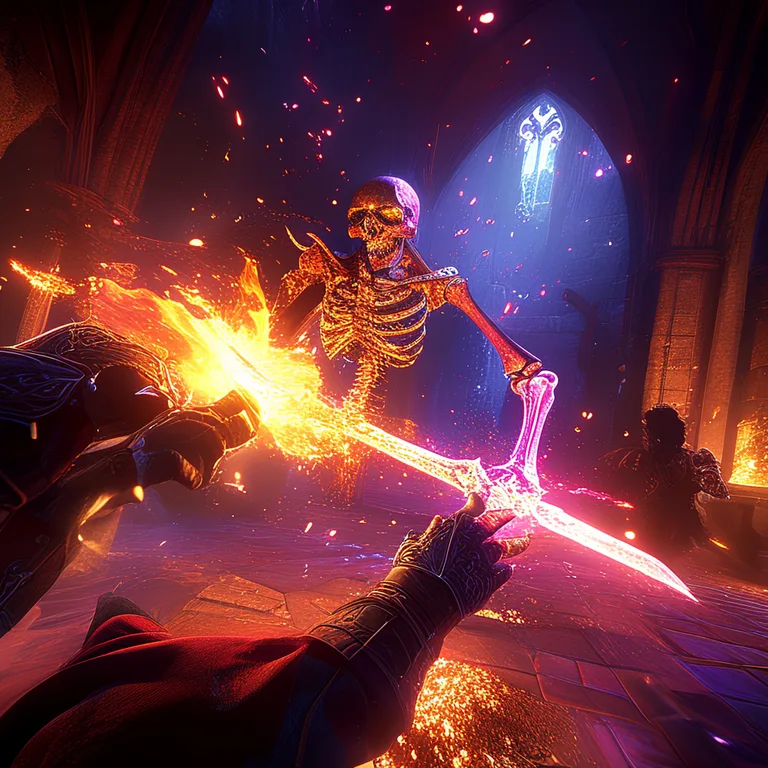
Finally, consider your distribution strategy. RealSoft Games has experience shipping across multiple platforms, from WebGL demos to full VR releases. Publishing a free WebGL Games demo can build wishlist momentum before your full launch.
Frequently Asked Questions
Q: How do I start developing a VR action RPG if I'm new to game development?
A: Begin with Unity's free VR template and the XR Interaction Toolkit. Follow the RNet RPC Quick Start to understand basic networking, then prototype a single room with one weapon and one enemy type. Expand from there. Focus on getting the core combat loop feeling satisfying before adding RPG systems like leveling or quests.
Q: What's the best engine for VR action RPG game development?
A: Unity is the most popular choice for indie and mid-size teams due to its extensive VR documentation, large asset store, and strong support for Meta Quest. Unreal Engine 5 excels for high-fidelity PC VR titles. Your choice should depend on your team's programming expertise (C# vs C++/Blueprints) and target platform.
Q: How do I prevent motion sickness in my VR action RPG?
A: Always maintain a stable 90 FPS (or 72 FPS on Quest). Offer multiple locomotion options including teleportation and snap turning. Use a vignette effect during smooth movement. Avoid forced camera movement—never take control of the player's head. Test extensively with players prone to motion sickness.
Q: Can I make a multiplayer VR action RPG as a solo developer?
A: Yes, but scope carefully. Use existing networking solutions like RNet instead of building your own. Start with 2-player co-op rather than 4-player. Focus on a single polished dungeon with 3-4 enemy types. Tools like the Advanced Leveling System and Spawner Advanced & Pooling save months of development time on backend systems.
Q: What are the hardware requirements for developing a VR action RPG?
A: You need a VR-ready PC (GTX 1060 / RX 580 minimum, 16GB RAM) and a headset for testing—Meta Quest 3 with Link cable is the most versatile option. For standalone Quest development, you'll also need to test directly on the device. Budget for at least one test headset per developer working on core interactions.
Q: How long does it take to develop a VR action RPG?
A: A focused indie VR action RPG with a 3-5 hour campaign typically takes 12-18 months for a team of 2-4 developers. A larger co-op title like Redemptions Guild can take 2-3 years. Pre-built systems for leveling, spawning, and networking significantly reduce this timeline.
VR action RPG game development represents the frontier of immersive entertainment, blending physical combat with deep role-playing systems. Success hinges on choosing the right engine, optimizing relentlessly for performance, designing intuitive diegetic interfaces, and building robust networking for co-op play. By leveraging proven frameworks like the Advanced Leveling System, Spawner Advanced & Pooling, and RNet, you can focus your energy on what makes your game unique—the world, the combat feel, and the player's journey. The market is growing, the tools are mature, and players are hungry for the next great VR adventure. Start prototyping your core combat loop today, and test it in-headset within the first week. The most important step in VR action RPG game development is simply putting on the headset and swinging the sword yourself.