Buy Unity Game Templates
When you buy Unity game templates, you're not just purchasing code — you're investing in a pre-architected, extensible foundation that eliminates months of boilerplate development. The right template provides a robust, production-ready skeleton implementing industry-standard design patterns like dependency injection, object pooling, and event-driven architectures, allowing your team to focus immediately on gameplay differentiation rather than reinventing core systems. This approach transforms your workflow from ground-up construction into strategic customization, dramatically accelerating your path to a shippable product.
Why Professional Developers Buy Unity Game Templates
The decision to buy Unity game templates represents a strategic architectural choice, not a shortcut. Independent developers and mid-sized studios alike leverage premium templates to establish a scalable, maintainable codebase from day one. The alternative — building every system from scratch — introduces technical debt, lengthens iteration cycles, and delays the critical validation phase where you determine if your core loop is actually fun.
"A well-architected template is like a senior engineer who's already solved the hard problems. You inherit their design decisions, their optimization passes, and their edge-case handling — before you write a single line of custom logic."
— RealSoft Games Engineering Philosophy
Architectural Integrity and Extensibility
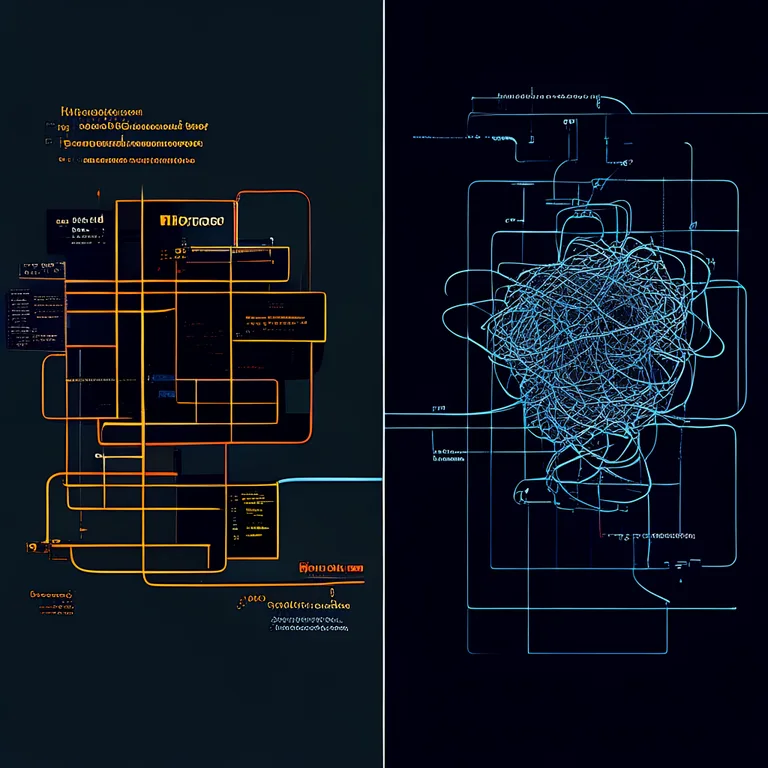
Production-grade templates enforce separation of concerns through modular design. When you evaluate a template before you buy Unity game templates, examine its dependency graph. Does it use scriptable objects for data-driven configuration? Are systems decoupled via interfaces and events? A template like Advanced Leveling System exemplifies this philosophy, exposing 40+ configurable algorithms through scriptable object assets rather than hard-coded logic, enabling designers to tune progression curves without touching a single line of engine code.
Performance-First Design Patterns
Runtime performance is non-negotiable. Templates that ship with naive implementations — frequent Instantiate() and Destroy() calls, unbatched UI canvases, synchronous scene loading — will bottleneck your title long before you reach optimization phase. This is why object pooling is a foundational requirement. Our Spawner Advanced & Pooling system, for instance, pre-allocates and recycles GameObject instances using configurable pool profiles, maintaining consistent frame times even during intense wave-based spawning scenarios common in bullet-hell shooters and tower defense titles.
When profiling templates before you buy Unity game templates, stress-test them with 500+ active objects. A properly pooled system should exhibit zero garbage collection spikes and maintain sub-16ms frame times on target hardware.
Evaluating Unity Game Templates Across Core Systems
Not all templates are created equal. A rigorous evaluation framework must assess architectural soundness, documentation depth, and cross-platform compatibility. The following table breaks down critical system categories you should scrutinize before committing to buy Unity game templates for your project.
| System Category | What to Look For | Red Flags | Ideal Implementation |
|---|---|---|---|
| Game Architecture | ScriptableObject-driven events, dependency injection, state machines | Singletons everywhere, tight coupling, MonoBehaviours with thousands of lines | Event-driven SO architecture with clear separation between data, logic, and view |
| Object Management | Generic pooling, addressable asset loading, async instantiation | Direct Instantiate/Destroy in update loops, Resources.Load usage | Configurable pool profiles with warm-up strategies and automatic culling |
| UI Framework | MVP or MVVM pattern, data binding, screen management | Canvas.GetComponent calls, Layout Group rebuilds every frame | Decoupled view controllers with observable model binding |
| Networking Layer | RPC abstraction, interest management, authoritative server logic | Direct UNET HLAPI usage, client-authoritative movement | Transport-agnostic RPC layer with pluggable serialization |
| Save & Persistence | Repository pattern, cloud sync, migration support | PlayerPrefs for complex data, no versioning | Repository abstraction with local JSON and optional cloud backends |
Documentation as a First-Class Feature
Documentation is infrastructure, not an afterthought. When you buy Unity game templates, you're also buying the knowledge transfer mechanism. Comprehensive documentation should include API references, architectural decision records (ADRs), and step-by-step integration tutorials. Our Unity Extensions Documentation portal demonstrates this commitment — every public method is documented with XML comments, every system has a dedicated overview explaining its design rationale, and Unity Extensions Tutorial walkthroughs guide you through common customization scenarios with complete code samples.
Cross-Platform Considerations When You Buy Unity Game Templates
Platform fragmentation remains one of the most underestimated challenges in game development. A template that runs flawlessly in the Editor may exhibit subtle behavioral differences on IL2CPP builds, WebGL deployments, or mobile GPUs. Production-ready templates must demonstrate platform-agnostic architecture with explicit handling for platform-specific code paths.
WebGL and Mobile Optimization
WebGL builds impose unique constraints: single-threaded execution, limited memory, and no direct file system access. Templates targeting this platform must avoid blocking operations and implement efficient asset streaming. Our WebGL Games portfolio demonstrates templates optimized for these constraints, utilizing addressable asset bundles and asynchronous loading patterns to maintain responsive experiences even in browser environments.
Virtual Reality Integration Patterns
VR development multiplies complexity — input handling shifts from abstracted button mappings to spatial interactions, camera control must respect player comfort, and performance budgets tighten to maintain the critical 90 FPS threshold. When you buy Unity game templates for VR projects, verify XR Interaction Toolkit integration and gaze-based UI patterns. Projects like Redemptions Guild demonstrate how templates can provide a solid foundation for multiplayer VR action RPGs, handling networked avatar synchronization and spatialized audio pipelines.
| Platform | Critical Constraints | Template Must Support | Testing Strategy |
|---|---|---|---|
| WebGL | Single-threaded, ~2GB memory limit, no System.IO | Addressables, async/await patterns, IndexedDB persistence | Continuous integration builds to itch.io or similar |
| Mobile (iOS/Android) | Thermal throttling, varied GPU tiers, touch input | LOD systems, texture streaming, input abstraction layer | Device farm testing across 5+ representative devices |
| Standalone VR | 90 FPS minimum, motion sickness prevention, spatial audio | XR Toolkit integration, foveated rendering support | Frame timing analysis with GPU profiler |
| Console | TRC/TCR compliance, platform-specific save APIs | Abstracted platform layer, achievement system integration | Certification checklist automation |
Never assume Editor behavior matches build behavior. IL2CPP stripping can remove seemingly referenced code. Always test templates on target hardware within the first week of integration, not the month before launch.
Integrating AI and Procedural Systems Through Templates
The convergence of game development and machine learning is no longer experimental — it's production reality. Modern templates increasingly ship with hooks for ML-agents integration, procedural content generation pipelines, and data-driven behavior trees. When you buy Unity game templates with AI extensibility in mind, you're future-proofing your project for features that would be prohibitively expensive to retrofit.
Procedural Content Generation Architecture
Procedural algorithms require careful architectural consideration. They must be deterministic (given the same seed), composable (algorithms can be layered), and performance-bounded (generation completes within frame budget or offloads to worker threads). A well-designed template exposes procedural generation through provider interfaces, allowing you to swap noise functions, placement strategies, and validation rules without restructuring your scene composition pipeline.
Machine Learning Agent Integration
Reinforcement learning for NPC behavior, player modeling, and dynamic difficulty adjustment requires templates that separate decision-making from execution. This mirrors good software architecture regardless — agents observe state through defined interfaces and output actions through command buffers. Our research project Crypto AI Trading Bot applies similar principles in financial markets, demonstrating how ensemble methods combining deep learning and reinforcement learning can inform game AI architectures where multiple specialized agents collaborate.
"The best game templates don't just solve today's problems — they establish patterns that accommodate tomorrow's innovations. AI integration isn't a feature; it's an architectural decision you make on day one."
— RealSoft Games R&D Division
Case Study: RTS Unit Selection Systems
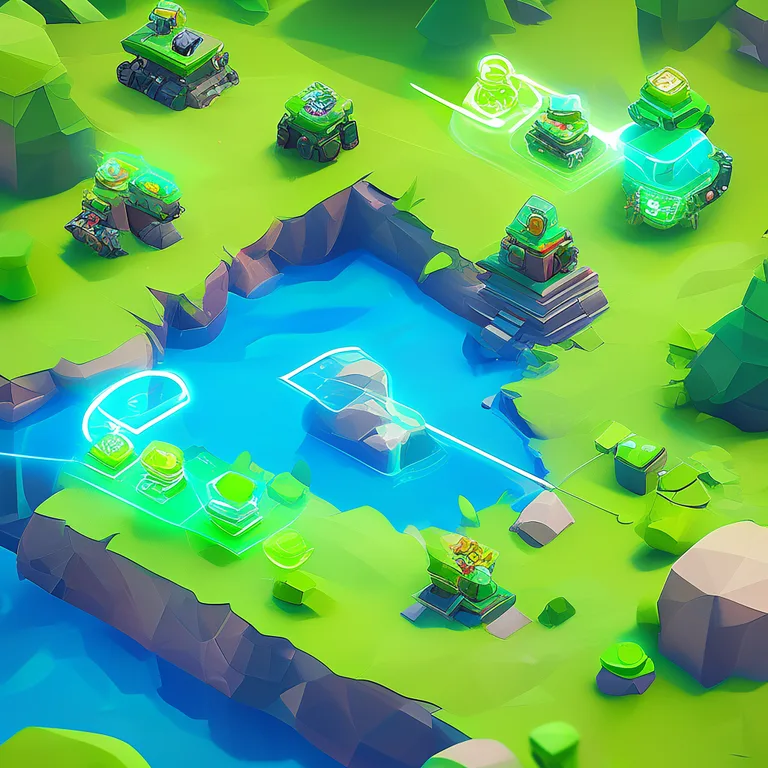
Real-time strategy games present a concentrated microcosm of template evaluation criteria: they demand high-performance input handling, complex UI overlays, and networked state synchronization. The unit selection system — seemingly simple — exposes architectural decisions that cascade through your entire codebase. Our Unit Selection package demonstrates how a focused, well-documented template solves this elegantly.
The Unit Selection Overview documentation details an architecture where selection logic is decoupled from visual feedback. A SelectionManager component handles the mathematical heavy lifting — viewport raycasting, bounds checking, and multi-select rectangle calculations — while separate SelectionRenderer components handle the visual representation. This separation enables unit testing of selection logic independent of Unity's rendering pipeline and allows different projects to swap visualization strategies without touching core systems.
Networking Implications
In multiplayer RTS titles, unit selection commands must traverse the network. A poorly architected template might send raw selection data every frame, saturating bandwidth. A production-ready approach, as documented in our RNet project architecture, uses command pattern with RPC — the client sends a "select these unit IDs" command once, not continuously. This pattern applies broadly: when you buy Unity game templates, evaluate their networking assumptions. Do they batch commands? Do they implement interest management to avoid sending irrelevant state to each client?
Build vs. Buy: A Quantitative Decision Framework
The decision to buy Unity game templates should be driven by data, not intuition. The following framework quantifies the trade-offs using concrete metrics gathered from our own development cycles across projects like Virtual Sim Story: Home & Life and Airway Defence.
| Evaluation Criterion | Build From Scratch | Buy Premium Template | Delta |
|---|---|---|---|
| Time to Playable Prototype | 3-6 months | 2-4 weeks | 85% reduction |
| Initial Technical Debt | High (architectural experimentation) | Low (proven patterns) | Significant quality advantage |
| Customization Flexibility | Complete | Extension-point dependent | Evaluate template extensibility |
| Documentation Quality | Nonexistent until written | Comprehensive from day one | Months of onboarding saved |
| Long-term Maintenance Cost | Full burden on team | Shared with template vendor updates | Ongoing savings |
If a template covers a system that is not your core competitive differentiator (inventory, achievement tracking, loading screens, object pooling), the buy decision is almost always correct. Reserve custom development for the 20% of systems that define your unique player experience. For everything else, leverage proven solutions like Advanced Achievement System or Advanced Loading Screen to accelerate your timeline.
Integration Workflow: From Purchase to Production
Buying the template is step zero. The integration workflow determines whether you realize the promised acceleration or drown in merge conflicts. Here's a battle-tested process refined across multiple RealSoft Games projects.
- Isolated Evaluation: Import the template into a fresh, empty Unity project. Explore every scene, prefab, and scriptable object. Run all demo scenes on target hardware. Read the complete Unity Extensions API Reference before writing any custom code.
- Dependency Mapping: Document every assembly definition, namespace, and third-party dependency. Understand the template's dependency graph before introducing your own.
- Extension Point Identification: Identify where the template expects customization — abstract classes to inherit, interfaces to implement, scriptable objects to configure. Never modify template source directly; always extend through intended APIs.
- Incremental Integration: Merge the template into your main project one system at a time, resolving conflicts and running your test suite after each integration step. This isolates issues and prevents overwhelming breakage.
- Pipeline Automation: Update your CI/CD pipeline to include template-specific tests. Verify that template updates from the vendor can be merged without breaking your customizations.
The Future of Unity Game Templates
The template ecosystem is evolving rapidly. We're tracking several trends that will shape what it means to buy Unity game templates in the coming years. AI-assisted customization — where machine learning models suggest integration patterns based on your project's specific architecture — is moving from research to production. Cloud-connected templates that synchronize configuration across development teams are reducing onboarding friction. And the rise of DOTS (Data-Oriented Technology Stack) compatible templates is enabling a new generation of performance-intensive games that were previously impractical in Unity.
RealSoft Games continues to invest in this ecosystem, developing products like Icon Architect Studio that address specific pipeline pain points while maintaining the architectural standards we've established across our entire catalog. Whether you're building a mobile social sim, a VR action RPG, or a WebGL strategy game, the right template transforms your development velocity from linear to exponential.
The decision to buy Unity game templates is fundamentally a decision about where to invest your team's finite creative energy. By delegating foundational systems to battle-tested, well-documented templates, you redirect your best engineers toward the gameplay innovations that will actually differentiate your title in a crowded market. Evaluate rigorously, integrate incrementally, and ship confidently.
Frequently Asked Questions
Q: How do I evaluate the code quality before I buy Unity game templates?
A: Request access to documentation and API references before purchase. Look for consistent naming conventions, XML comments on public methods, assembly definition files indicating modular architecture, and the presence of unit tests. Avoid templates where core logic lives in MonoBehaviours exceeding 200 lines — this indicates poor separation of concerns. Reputable vendors like RealSoft Games provide comprehensive Unity Extensions Documentation publicly accessible before you commit.
Q: What's the best approach to customize a template without breaking future updates?
A: Always extend through inheritance and composition, never by modifying template source files directly. Use the template's public API, subscribe to its events, and implement its extension interfaces. If the template doesn't expose extension points for your use case, contact the vendor — this is valuable feedback that improves the product for everyone. Our Unity Extensions API Reference explicitly marks which classes are safe to inherit and which are considered internal implementation details.
Q: Can I use Unity game templates for commercial projects?
A: Yes, virtually all premium templates include commercial licensing. However, review the specific license terms: some restrict redistribution of template source code, while others require attribution. All RealSoft Games products on the Unity Asset Store include royalty-free commercial licensing — you can ship your game without additional fees or attribution requirements.
Q: How do I handle template conflicts when using multiple purchased templates together?
A: Namespace collisions, duplicate assembly definitions, and conflicting dependency versions are the most common issues. Mitigate by: (1) auditing each template's dependencies before integration, (2) using assembly definition references to manage coupling, (3) maintaining a integration branch where you test compatibility before merging to main. Templates from the same vendor, such as Unit Selection and Advanced Leveling System, are designed to coexist without conflicts.
Q: Are Unity game templates compatible with Unity's new DOTS and ECS architecture?
A: Compatibility varies significantly. Traditional GameObject-based templates do not automatically convert to ECS. Look for templates that explicitly advertise DOTS compatibility or provide hybrid workflows. The industry is in transition — most production templates still target MonoBehaviour architectures, with DOTS-native alternatives emerging gradually. Evaluate your project's performance requirements to determine if ECS is necessary before filtering templates.
Q: How do I get support if I encounter issues after I buy Unity game templates?
A: Evaluate the vendor's support channels before purchasing. Look for active Discord communities, responsive forum threads, and recent update history on the Asset Store. RealSoft Games maintains dedicated documentation portals, tutorial series, and direct support channels for all products. A template last updated two years ago with unanswered support questions is a significant red flag regardless of its feature list.